
When this warning appears, it is usually because your Google Workspace email accounts are new.
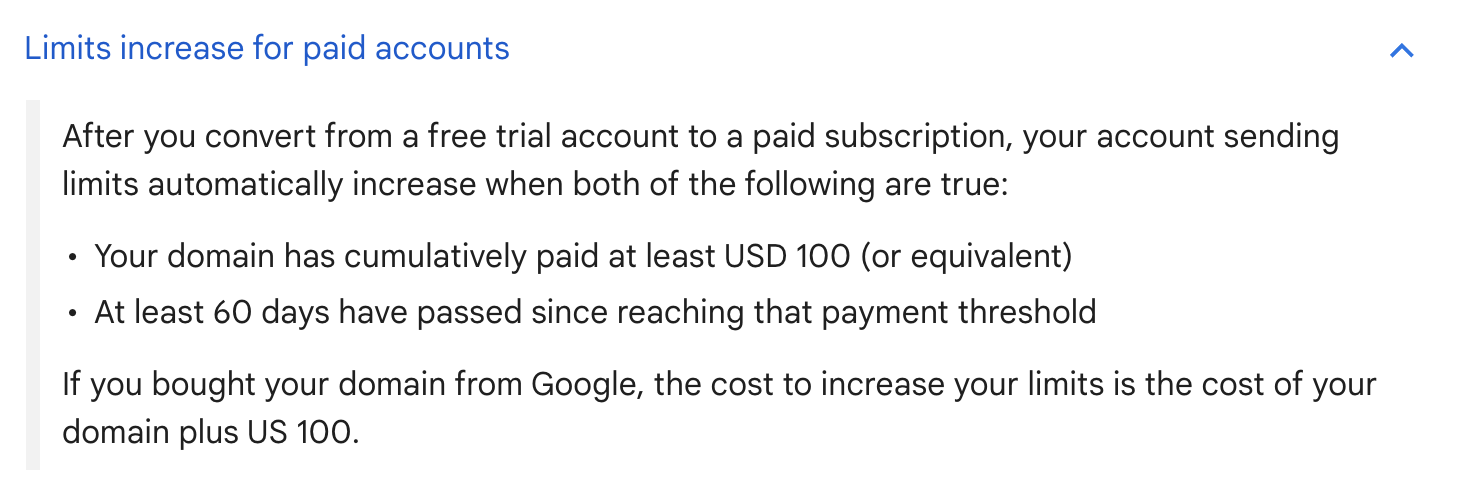
Even though you have a paid account, you do not get paid limits right away. According to Google, you need to spend at least $100, and 60 days need to pass after you spent $100 before they lift your daily volumes from a trial period.
During this period, we recommend keeping daily volumes of campaign emails and warm-up emails under 40 and using the Auto increase feature for both warm-ups and campaigns.
For example:
Day 1: warm-up daily limit 5, auto increase for 10% with a max daily volume of 30.
Continue warming up for 3 weeks.
Day 21: decrease warm-up to 20 and start the campaign with a 10-email daily limit and auto-increase it by 10% until it reaches 20.
Once you exceed Google's limits of $100 and 60 days, you can auto-increase the sender's limit to 50 and warm-up to 40.