
By default Workspaces share credits with the main account. This means that each Workapces can consume as many credits as available in the main account.
If you want to limit the number of credits available at individual Workspace follow these steps.
1. Go to the workspace for which you want to limit the number of credits
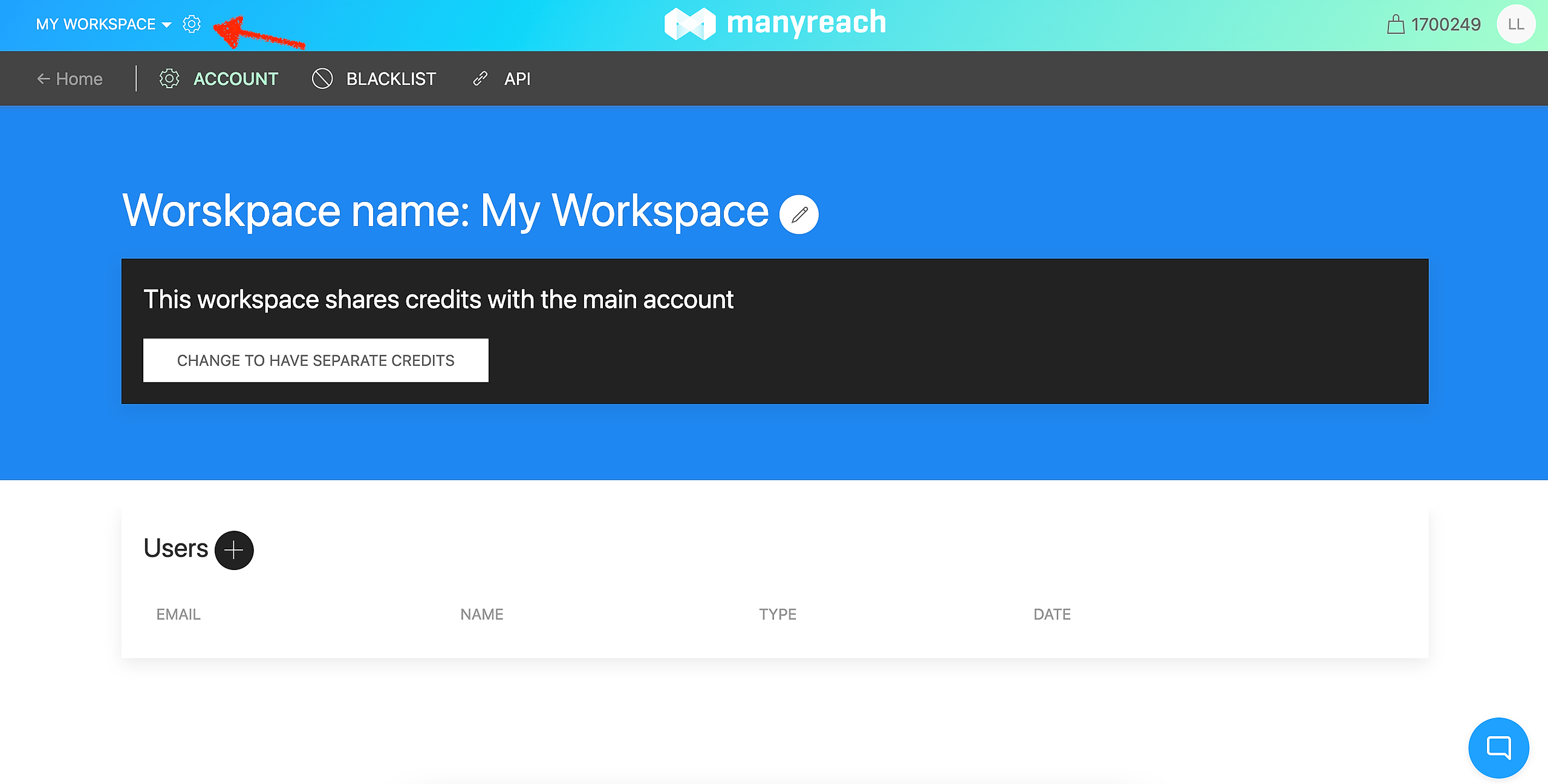
2. Click the gear icon next to the Workspace name to open Workspace settings
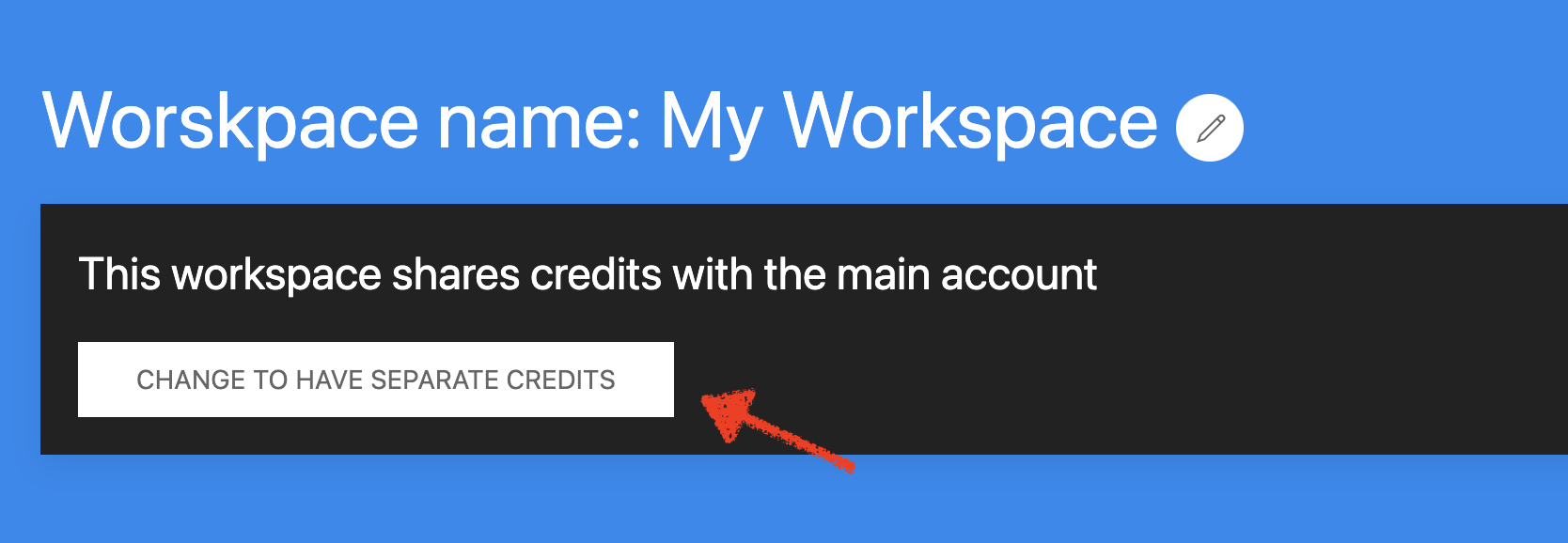
3. Click the "Change to have separate credits" button
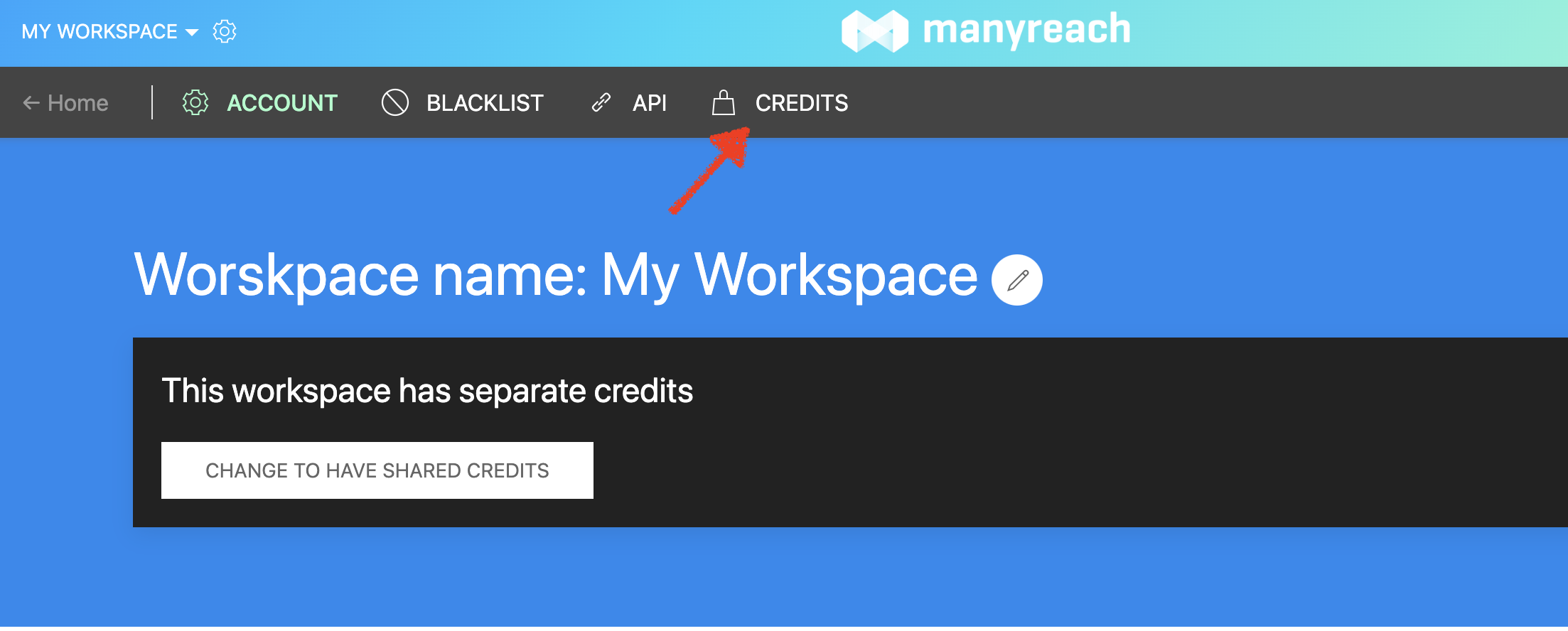
4. Once changed you will see a new CREDITS section in the top menu. Click on it.
5. Now you can top up credits to this Workspace from the main account
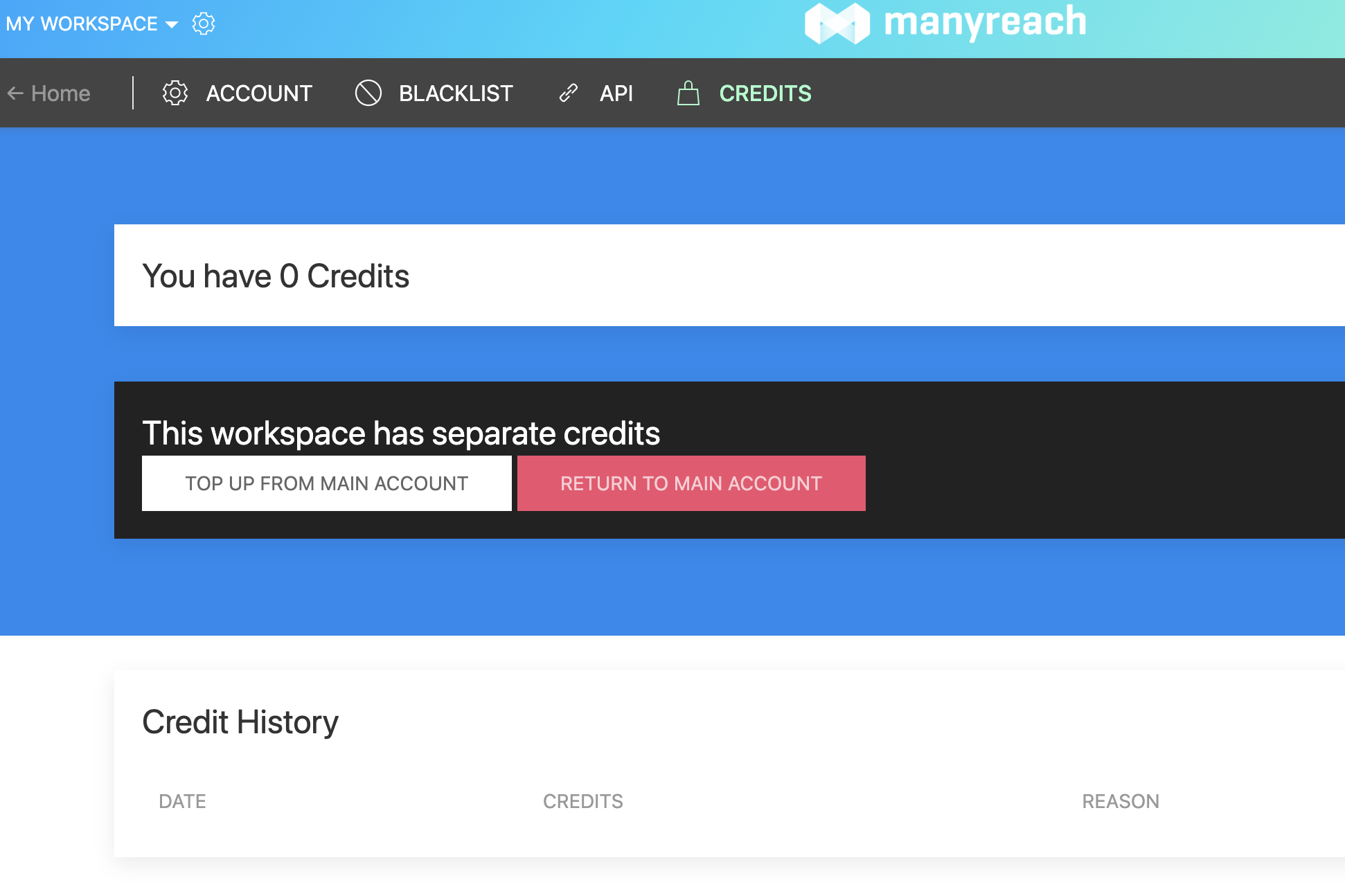
6. If you want to remove credits from this Workspace, use the "Return to main account" button to do so.