
The process of attaching files to your Manyreach campaign is an easy process.
Find out how to attach a file to your Manyreach campaign in these easy steps:
1. First, add your file in your Google or MS drive, and publicize its link. Then you can copy the shareable link of that file.
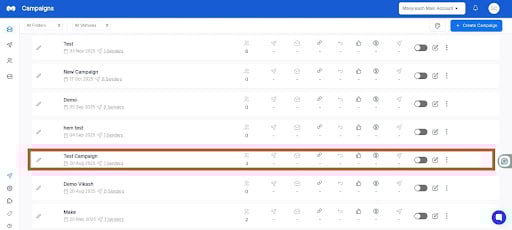
2. Now, go to your Manyreach dashboard and select your campaign.
3. When you go inside your campaign, compose your email, and click the link icon on your email body footer.

4. Now, paste the URL of the file, and give it a name. Finally, click the “insert” option, and you’re done.
Popular ESPs like Google, Microsoft, Zoho treat the attached drive link as an attachment itself