
The process of adding email addresses to CC and BCC in your campaigns is easy in Manyreach. Here’s a step-by-step guide on how you do it:
First, go to your Manyreach dashboard and select your campaign.
Once you are inside your campaign, go to the “Settings” Section.
In the “Settings” section, find the “Advanced Options” on the right side of the screen, and click it.
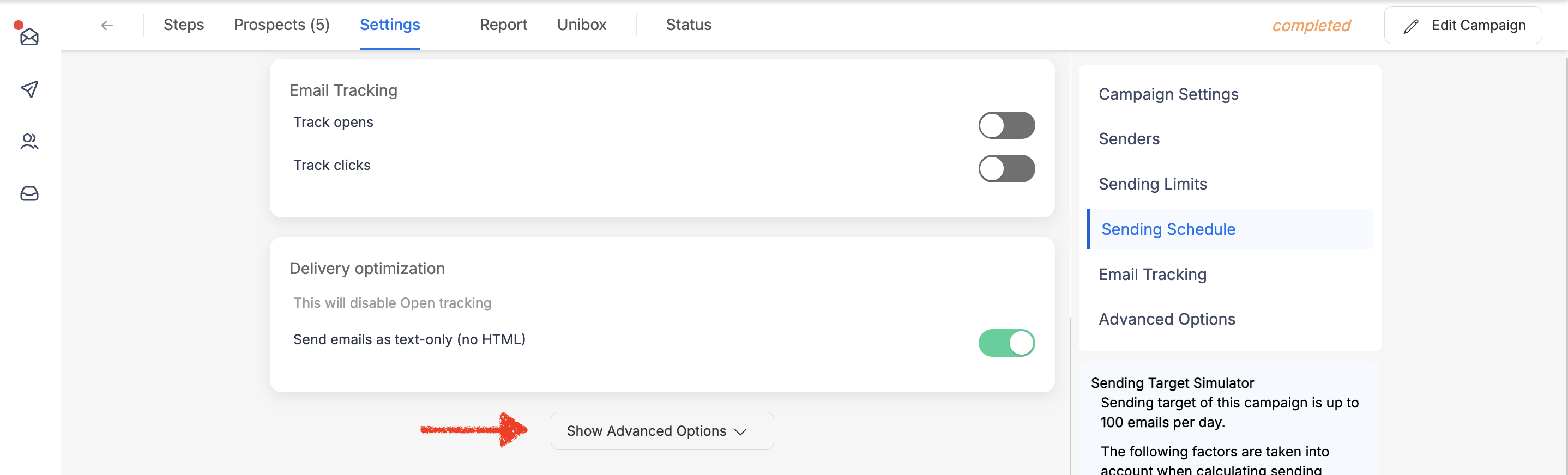
In the Advanced Options’ additional settings section, you’ll find the column to add your campaign CC, BCC, reply CC and BCC.
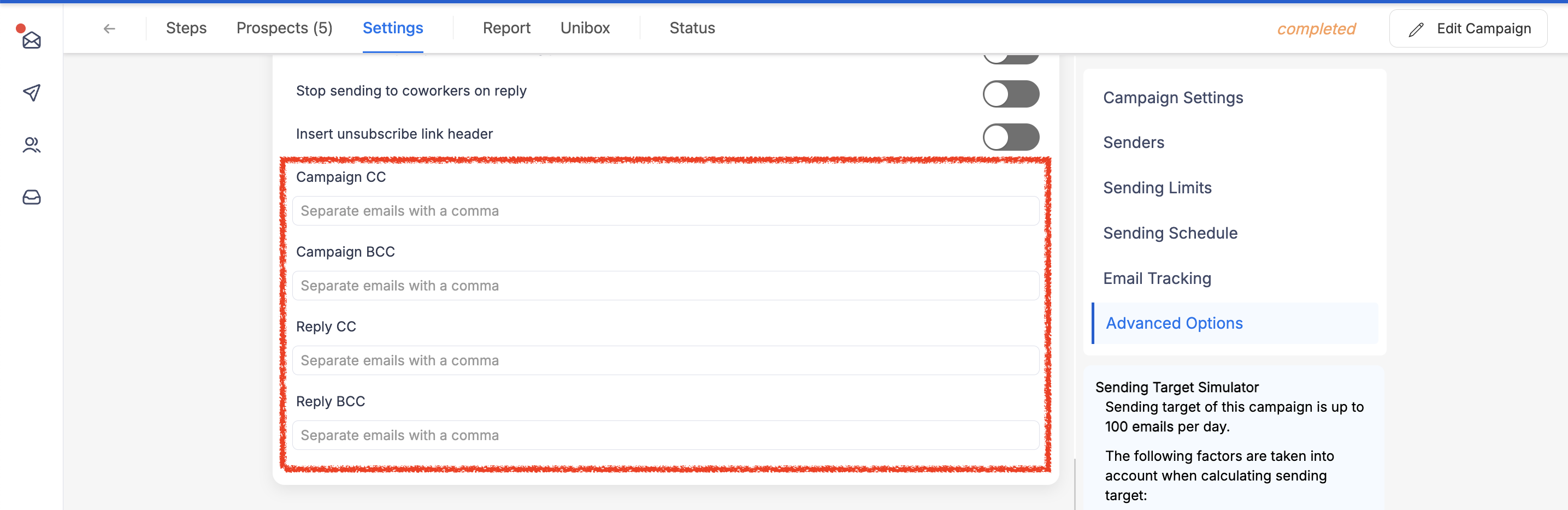
All you have to do is add separate CCs and BCCs with commas after each address. And that’s it, you’re done.
Campaign CC and BCC will send a copy of actual campaign to the additional email addresses.
Reply CC and BCC will only send a copy of your manual reply from Unibox after the prospect replied to your campaign.