
You can schedule your campaigns in Manyreach very easily. Follow these steps and schedule your email campaigns in a couple of minutes.
How to Schedule Your Campaigns
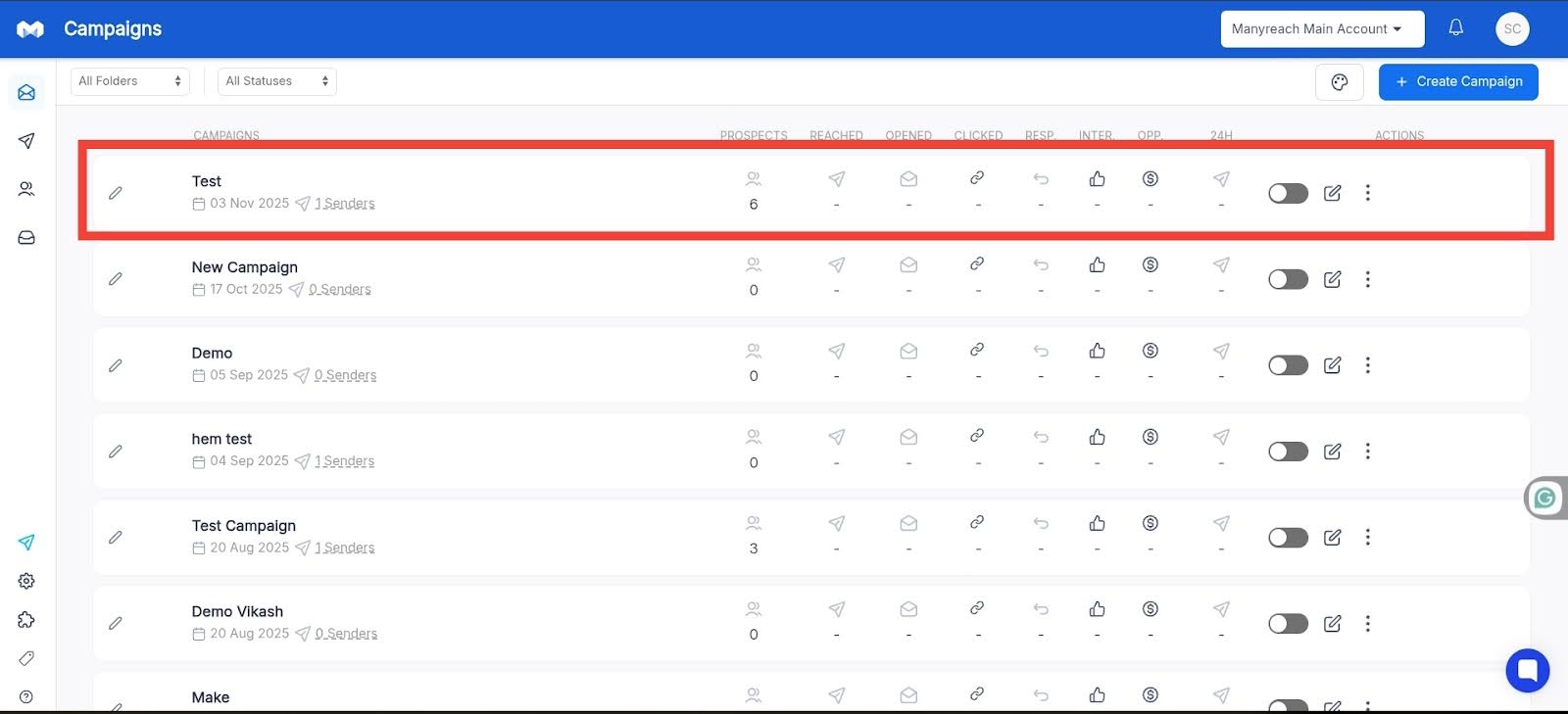
First go to your Manyreach dashboard and select your campaign
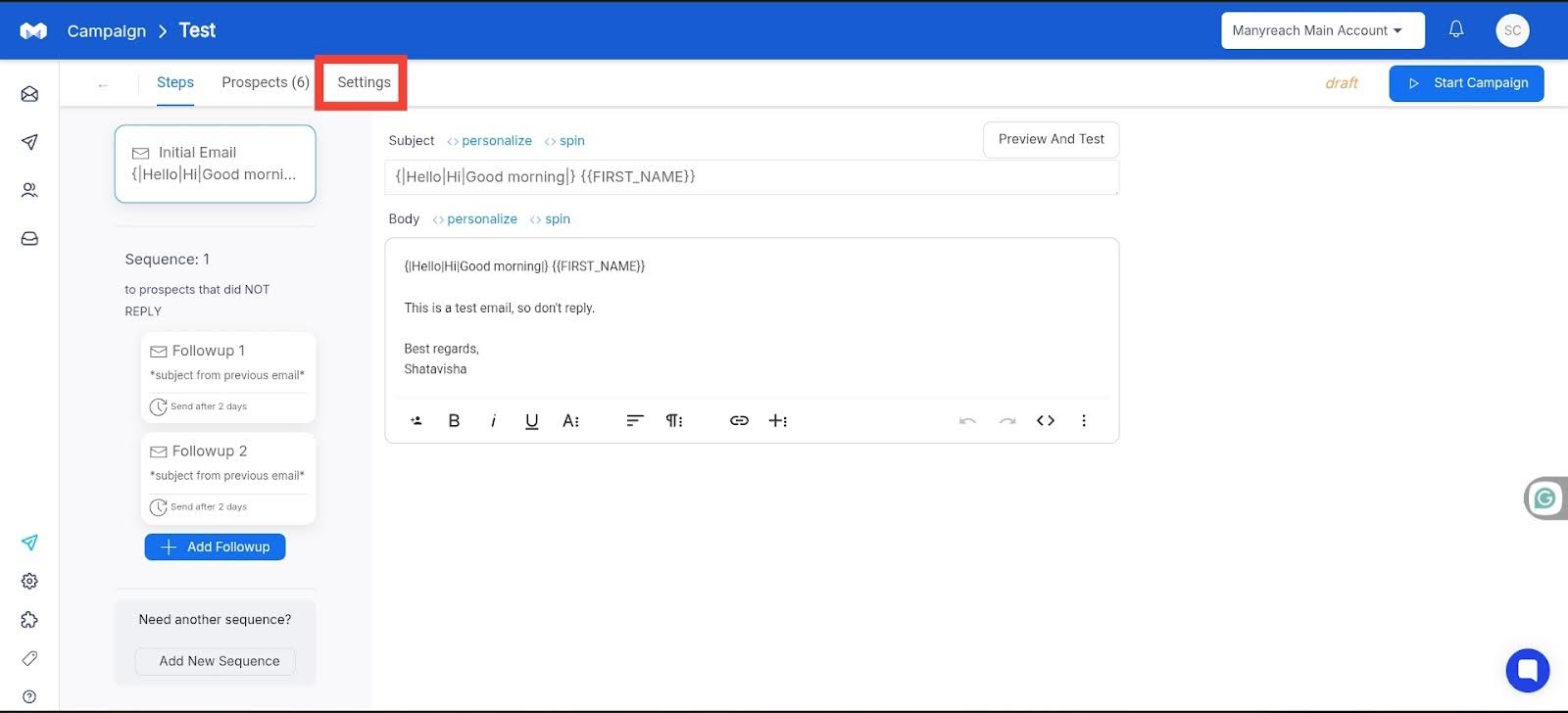
When you go inside your campaign, compose your email, add your prospects, and click the “Settings” option.
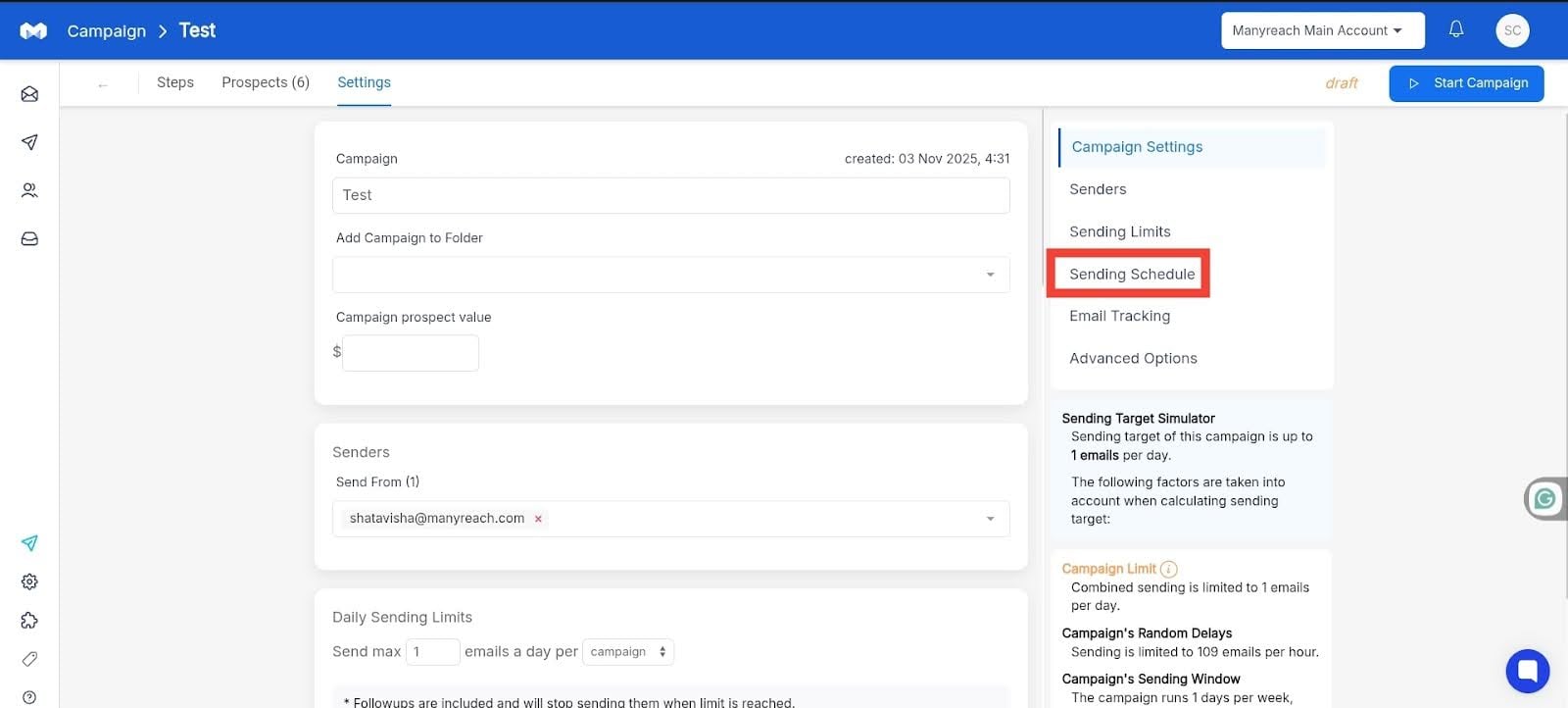
Inside the “Settings” section, click the “Sending Schedule” option on the right side of the page.
In this section, you can select the time, and date of your emails according to your planned schedules.

Finally, once you set everything else according to your planning and preference, you can start your campaign.