
To cancel your Manysenders subscription and prevent further monthly charges, follow these steps:
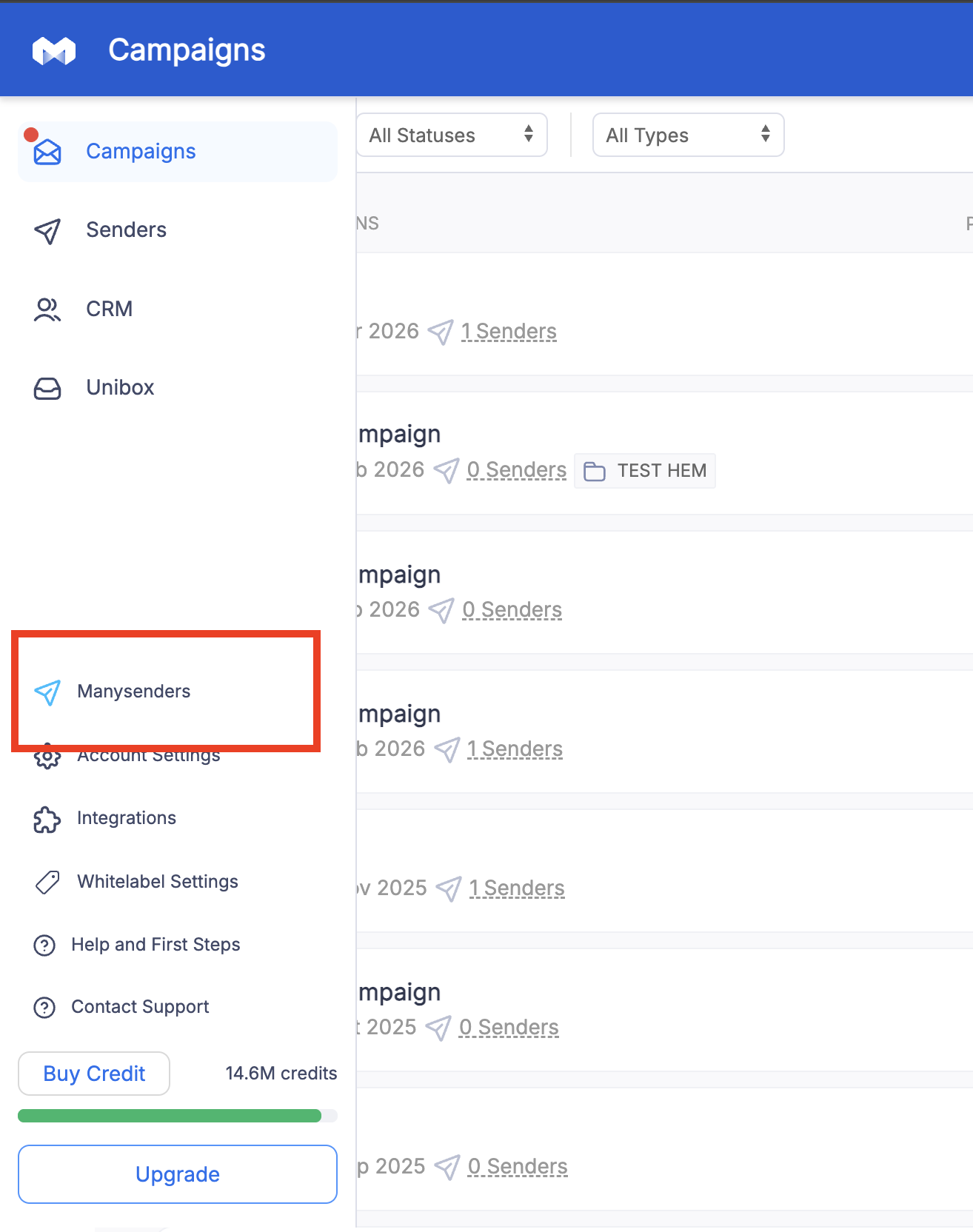
Go to Manysenders section from Left side bar menu
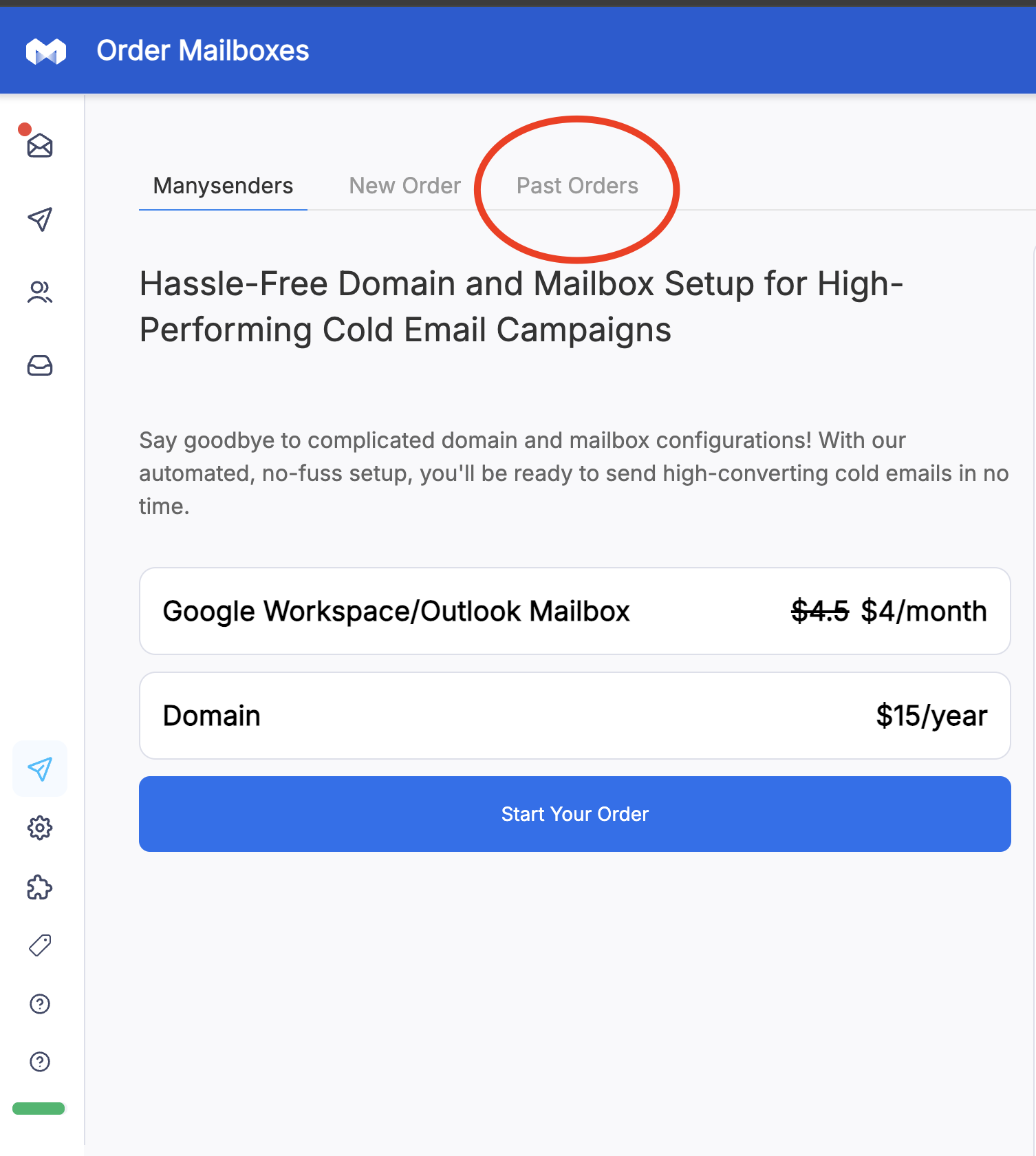
Click on Past Orders
Look for the Gear icon at the extreme right against the mailbox you want to cancel

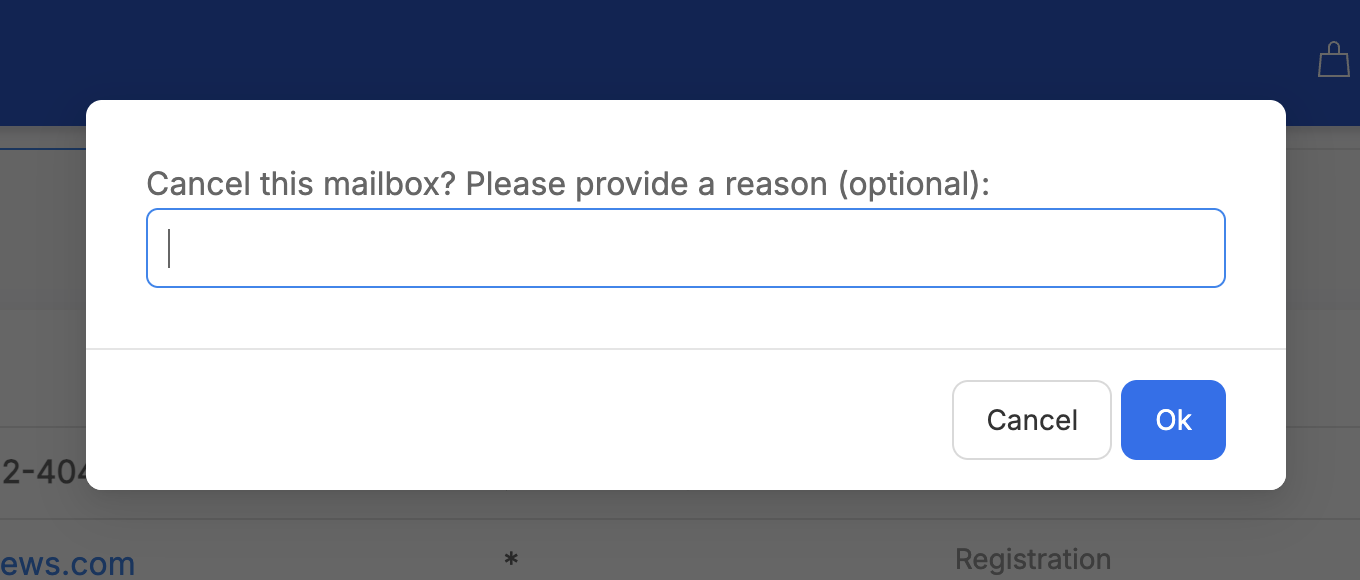
Click on cancel mailbox

Submit the feedback/cancellation reason (optional), and click OK
Once completed, your mailbox will be canceled and billing will stop accordingly.
For any additional help and support, please feel free to reach out to [email protected]